



Book Your
Appointment
Choose your barber. Pick your service. Lock your time with confidence.
Book NowComplete your booking below • Takes less than 2 minutes
6 Steps to Your Next Cut
Follow these steps in the AppHeaven scheduler to complete your booking.
-
01📋
Choose Your Service
Select your haircut, fade, beard trim, or combo. Listed prices are base prices — final cost may vary based on your specific requirements.
-
02📅
Choose Your Date
The calendar shows available days based on the service you selected.
-
03🕐
Choose Your Time
Pick an open time slot that fits your schedule.
-
04✂
Choose Your Barber
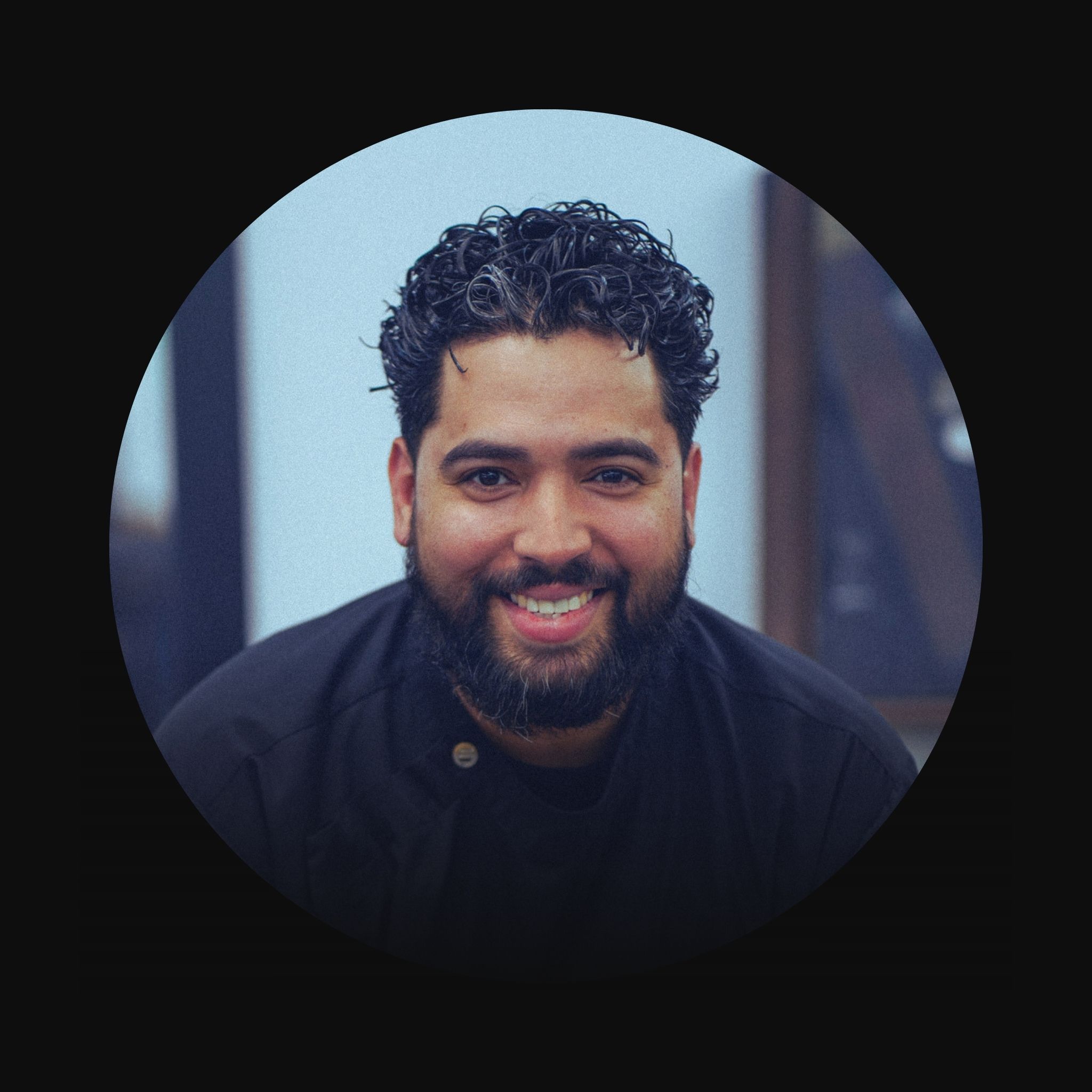
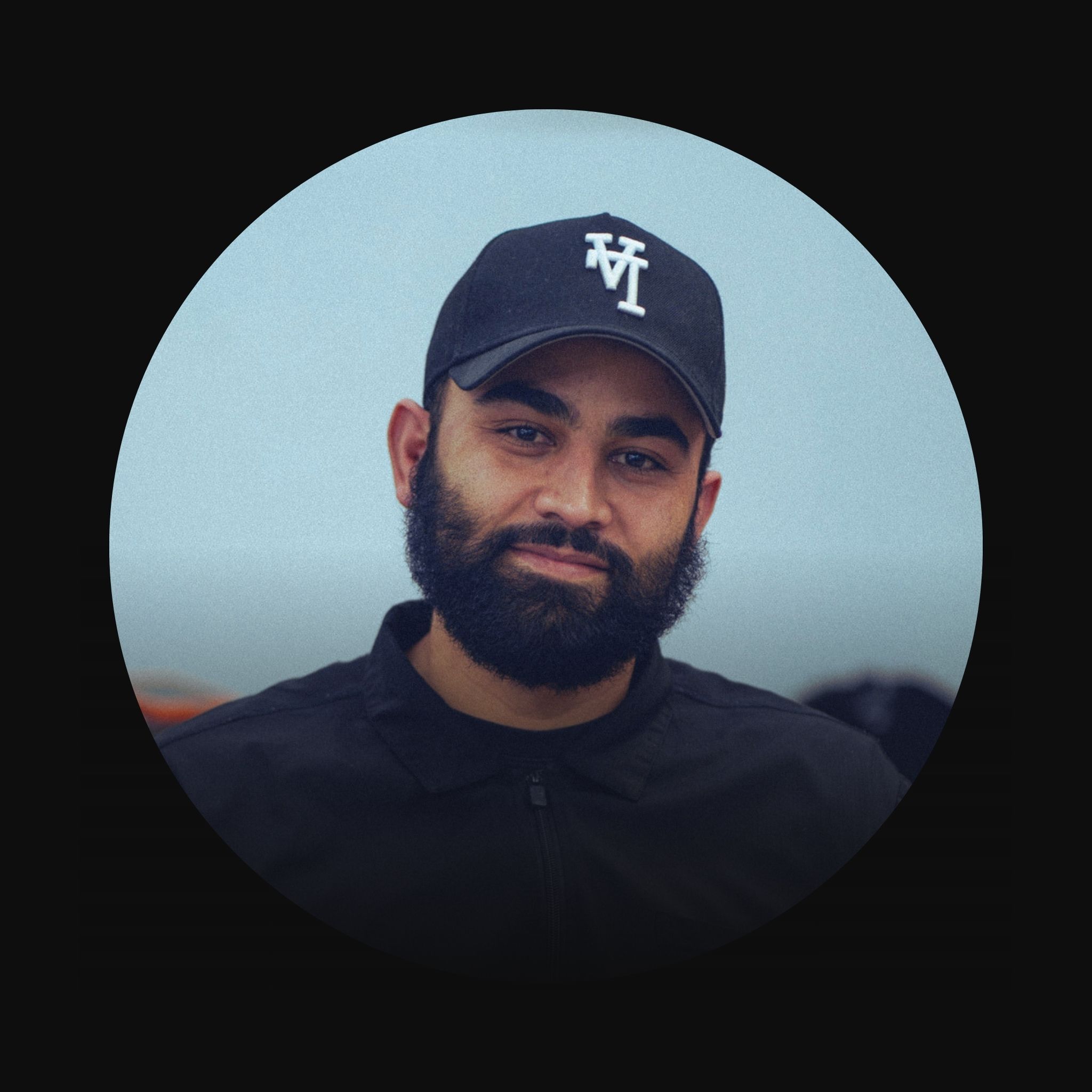
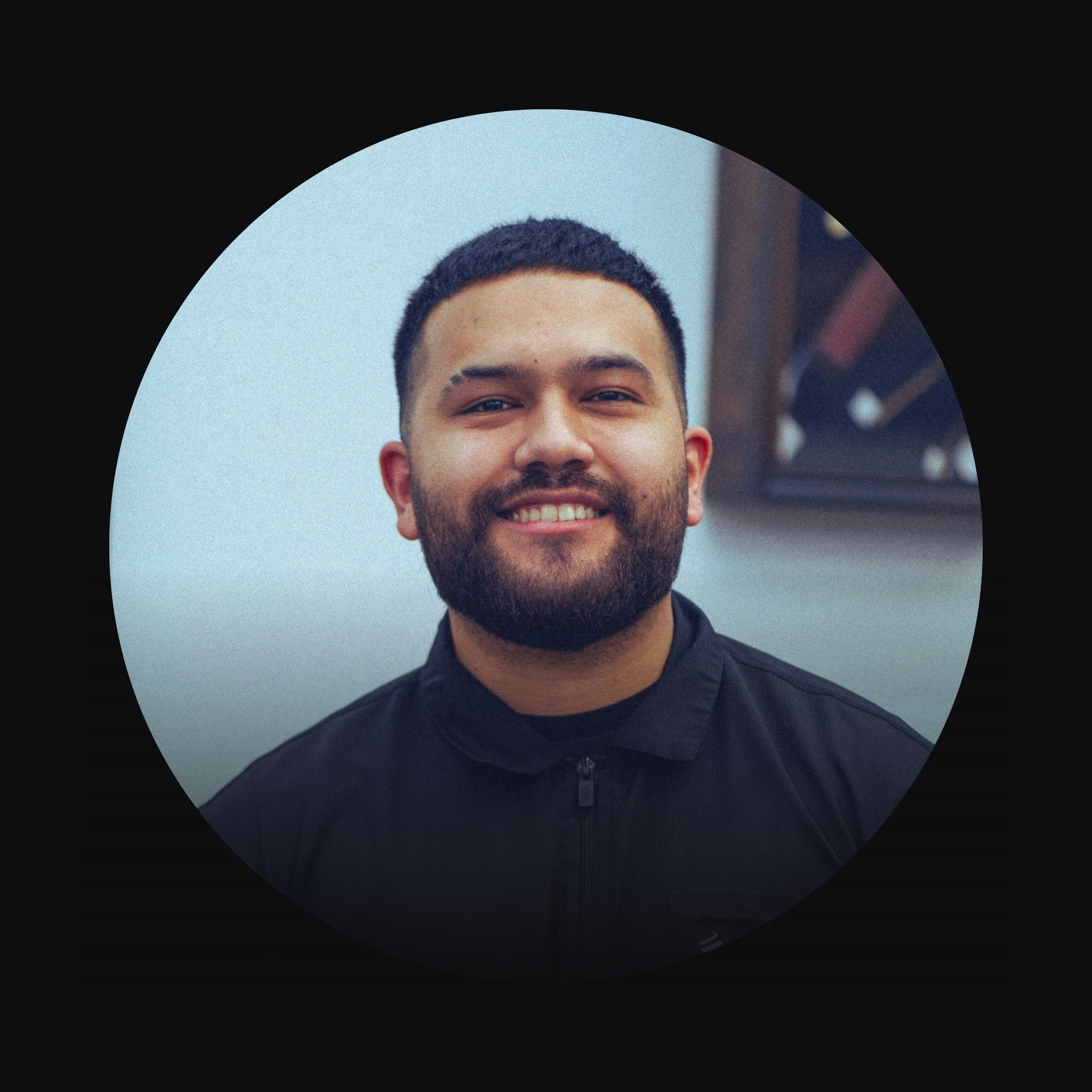
Select Danny, Robert, Adrian, Carlos, or Daniel. Availability is shown in real time.
-
05✏
Enter Your Info
Your name, phone number, and email. This is how we confirm and remind you before your visit.
-
06✓
Confirm
Review your details and confirm. You'll receive a text confirmation right away.
Flexible flow: Steps 3 and 4 can be done in either order — choose your time first if you have a schedule preference, or your barber first if you have a chair preference.
Missing your appointment without prior notice carries a no-show fee. Your barber reserved that time exclusively for you.
Need to cancel or reschedule? Please notify us with enough advance notice so your barber can accommodate other clients from the waiting list.
Listed prices are starting prices. The final cost may increase based on your specific haircut requirements — for example, adding a zero fade to a kids cut.
Book Directly Below
You can also complete your booking right here on this page.
Mon–Fri: 9am – 6pm
Saturday: 8am – 5pm
Sunday: Closed
566 Waldron Rd
La Vergne, TN
(615) 471-4479
Help: (615) 877-5006
Welcome when chairs
are available.
Common Questions
-
Can I book same-day?
Yes. If a barber has open slots today they will appear in the scheduler. Book fast — they fill up.
-
How do I cancel or reschedule?
Use the link in your confirmation text or email to modify your appointment. Please give at least 2 hours notice.
-
Do I need to pay online?
No. Payment is handled at the shop after your service. We accept cash and card.
-
What if I don't see my barber?
They may be fully booked for that day. Try a different date or call us at (615) 471-4479.